

For many small businesses in Redland and across Brisbane, a website is the centre of their digital presence. It is often the first impression of your brand, the place where potential customers learn about your products or services, and the deciding factor in whether someone takes the next step or leaves.
When something is not quite right, your website might be losing customers without you realising it. If your website is losing traction, enquiries slow down and conversion rates drop, even though your business itself is doing everything right.
The reassuring part is that most issues are common, fixable and often quick to identify through a simple audit. Below are the most frequent reasons a website is losing customers and how to turn things around.
Slow Load Times Mean Visitors Will Not Wait
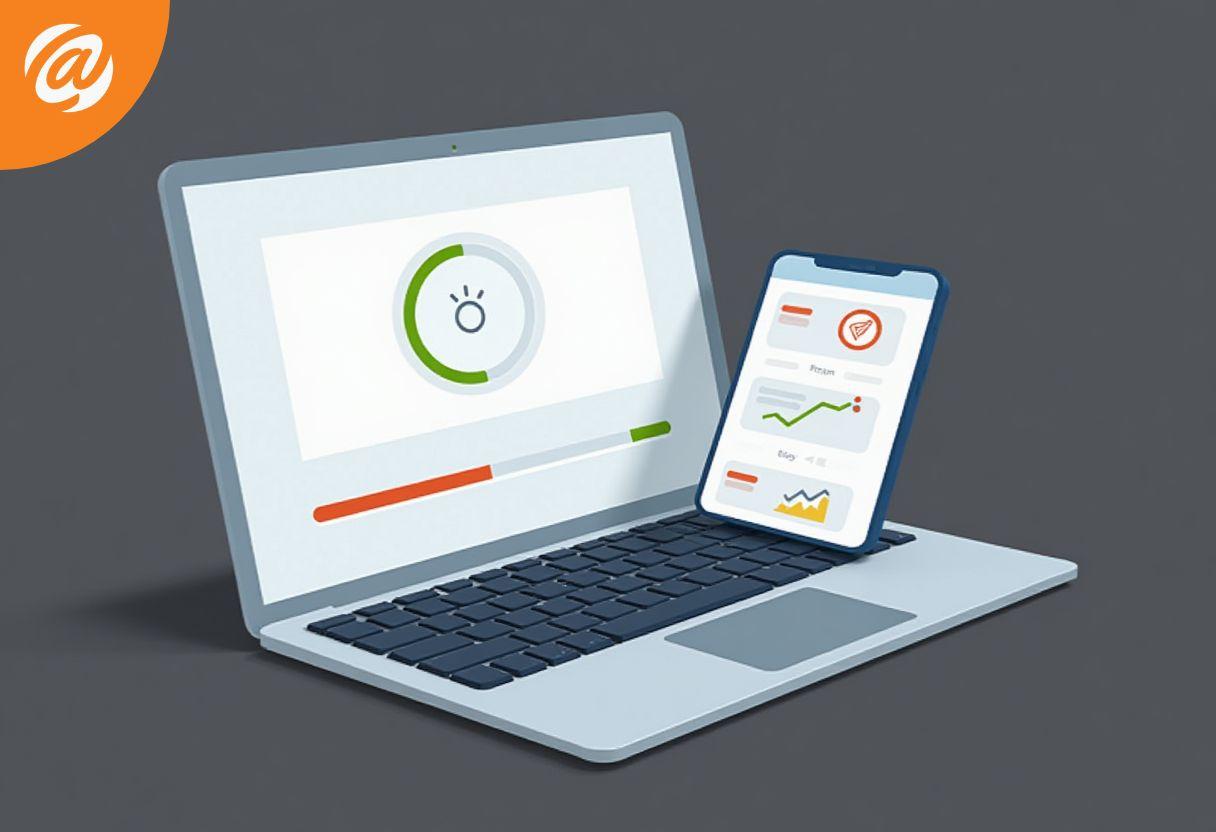
People expect speed. When someone lands on your website, they make a judgement in seconds. If a page takes more than three seconds to load, visitors will not wait around. In many cases, visitors will not stick around at all.
A site that takes too long to load frustrates users quickly and leads to higher bounce rates. Visitors do not explore, they do not engage and they certainly do not convert. Common causes include:
- Large images that are not compressed
- Old hosting that needs an upgrade
- No caching in place
- Too many unnecessary features slowing pages down
Tools such as Google PageSpeed Insights and GTmetrix can help test your site and highlight where the site takes too long. If your homepage or checkout pages take longer than 3 seconds to load, you are likely losing potential customers.
How to fix it fast
Performance optimisation can dramatically improve load times. Compressing images, enabling cache systems and considering an upgrade to hosting can improve user experience almost immediately.
An Outdated Website Can Damage Trust and Credibility
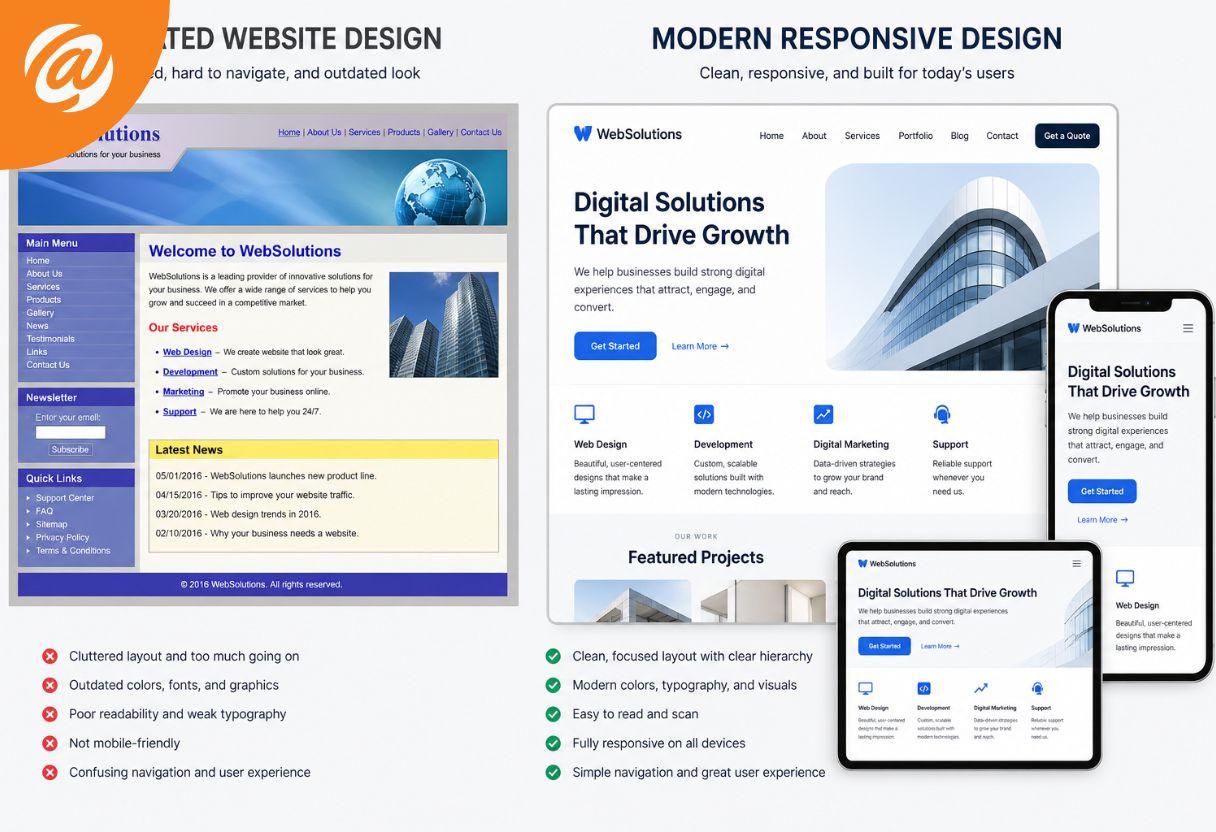
Design trends evolve, and so do customer expectations. An outdated website can unintentionally signal that a business is no longer active or reliable, even when that is not true.
If your website design feels clunky, is not mobile-friendly or does not reflect your current brand, customers might hesitate. First impressions matter, and trust and credibility are essential for conversion. Signs your website might be outdated to include:
- Poor responsive design across devices
- Fonts and layouts that feel dated
- A homepage that does not clearly explain your value proposition
- Missing essential trust elements such as a privacy policy or testimonials
People expect a professional digital presence. When something is off, people will not buy. How to fix it
A refresh does not always mean a full rebuild. Updating layouts, improving responsive design and aligning visuals with current design trends can reassure visitors and strengthen brand confidence.
Confusing Navigation Stops People From Taking Action
If visitors cannot find what they need, they leave. Navigation plays a major role in keeping visitors engaged and guiding them towards making a purchase or enquiry. When a site does not clearly structure its pages, visitors do not know what to do next. If someone cannot find contact details, products or services, or important information within seconds, they will not continue. Common navigation problems include:
- Too many menu items
- Poorly labelled pages
- Important pages buried too deeply
- A checkout process that feels confusing
How to fix it
Simplify your navigation. Ensure your website guides users logically from the homepage to the next step. Clear menus help visitors find what they need across all devices, especially on mobile devices where ease of use is critical.
Unclear Calls to Action Reduce Conversion
Even if your website looks good and loads quickly, conversion suffers when visitors do not know what to do next. Visitors do not automatically take action unless they are guided. If CTAs are unclear or missing, visitors might browse but never enquire. Examples include:
- Buttons without clear intent
- No clear call‑to‑action on the homepage
- Forms that feel overwhelming
- Checkout pages without reassurance
Clear calls-to-action encourage visitors to take the next step. Whether that is contacting your business, booking a service or completing a checkout, clarity improves conversion rates.
How to fix it
Use clear calls-to-action such as “Request a Quote” or “Contact Our Team”. CTAs should be easy to tap, visible across devices and placed where visitors naturally look.
Mobile Experience Matters More Than Ever
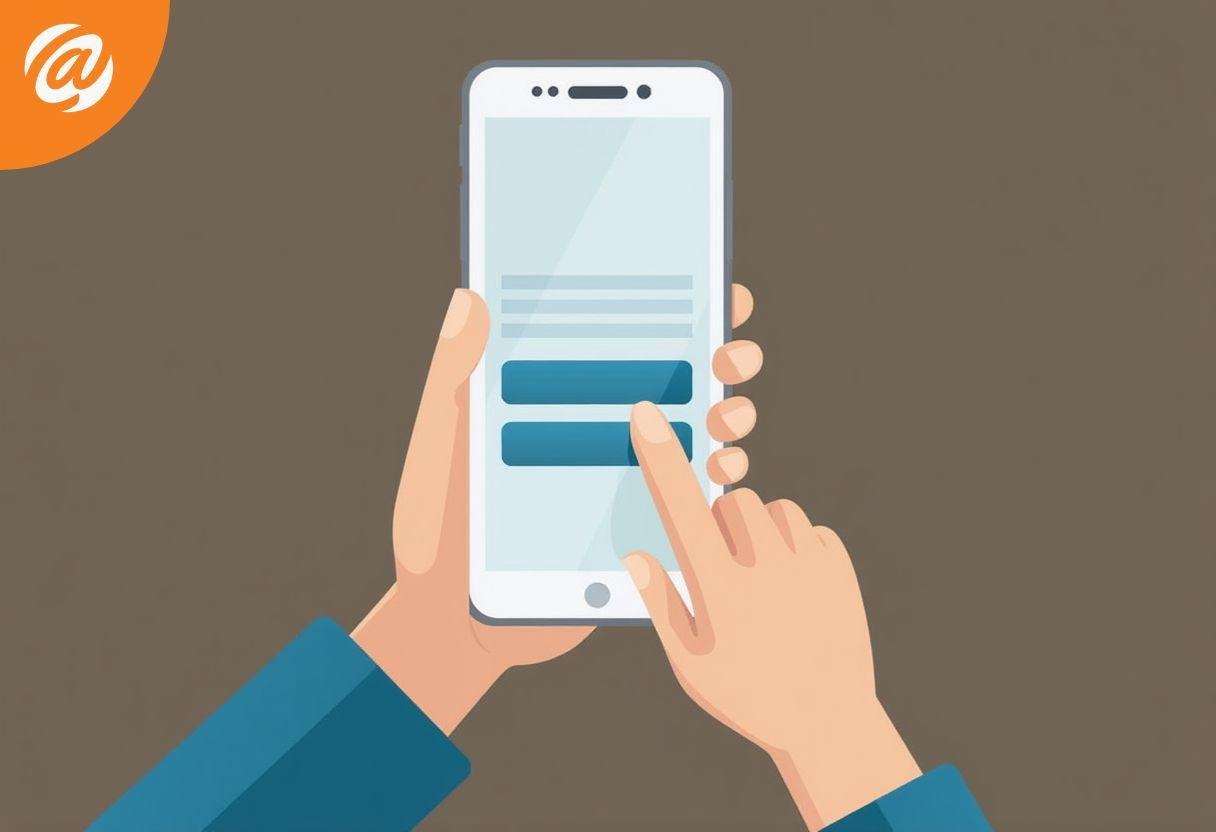
Many visitors arrive via mobile devices. If your site is not mobile-friendly, people will not stay. Buttons that are not easy to tap, text that is hard to read or pages that do not adapt correctly lead to frustration.
If your site is not responsive, people will leave before learning about your offerings.
How to fix it
Ensure your website works across devices. Responsive design improves user experience, keeps visitors engaged and reduces bounce rates.
Missing Trust Signals Create Hesitation
Trust is essential when someone considers making a purchase. Customer testimonials, reviews and reassurance elements help visitors feel confident.
If your website does not include testimonials or signs of social proof, visitors may hesitate. When a website is not reassuring, visitors will not move forward in the checkout process.
How to fix it
\Add customer testimonials and clear reassurance points. These elements reinforce trust and credibility and support decision‑making.
Turning What Is Holding You Back Into What Is Working
When a website is losing customers, it is rarely one issue alone. Often, something is not working across performance, navigation, design and clarity.
The positive news is that these issues are fixable. A simple website audit can identify pain points, uncover what is holding conversion back and show where improvements will have the biggest impact.
Together, improvements such as optimisation, clearer navigation, better CTAs and faster load times can turn a website from a frustration into a growth tool.
A Final Thought
If your website is losing customers, it does not mean your business is failing. It usually means the site needs attention.
Ensuring your website supports your audience’s pain points, loads in seconds, guides visitors clearly and builds trust can significantly improve results.
If you are unsure what is holding your website back, reviewing what is working and what is not is often the best first step.